UX WRITING CHALLENGE DAY 5
Proactivity
UX Writing Challenge
THE SCENARIO
The user works in graphic design. While critiquing a design in a mobile app, their phone abruptly turns off. When they restart the phone, they reopen the app.
THE CHALLENGE
Write a message that the user will read immediately upon opening the app. What do they need to know? What steps (if any) do they need to take to recover their content? What if they can't recover the content?
| Headline: 40 characters max |
| Body: 140 characters max |
| Button(s): 20 characters max |
THE SOLUTION
The pain points and worries of the user were crystal clear: he or she would want to know what know what would have happened with all the progress made. That’s why, for this particular case, I didn’t use any tool to empathise with the user.
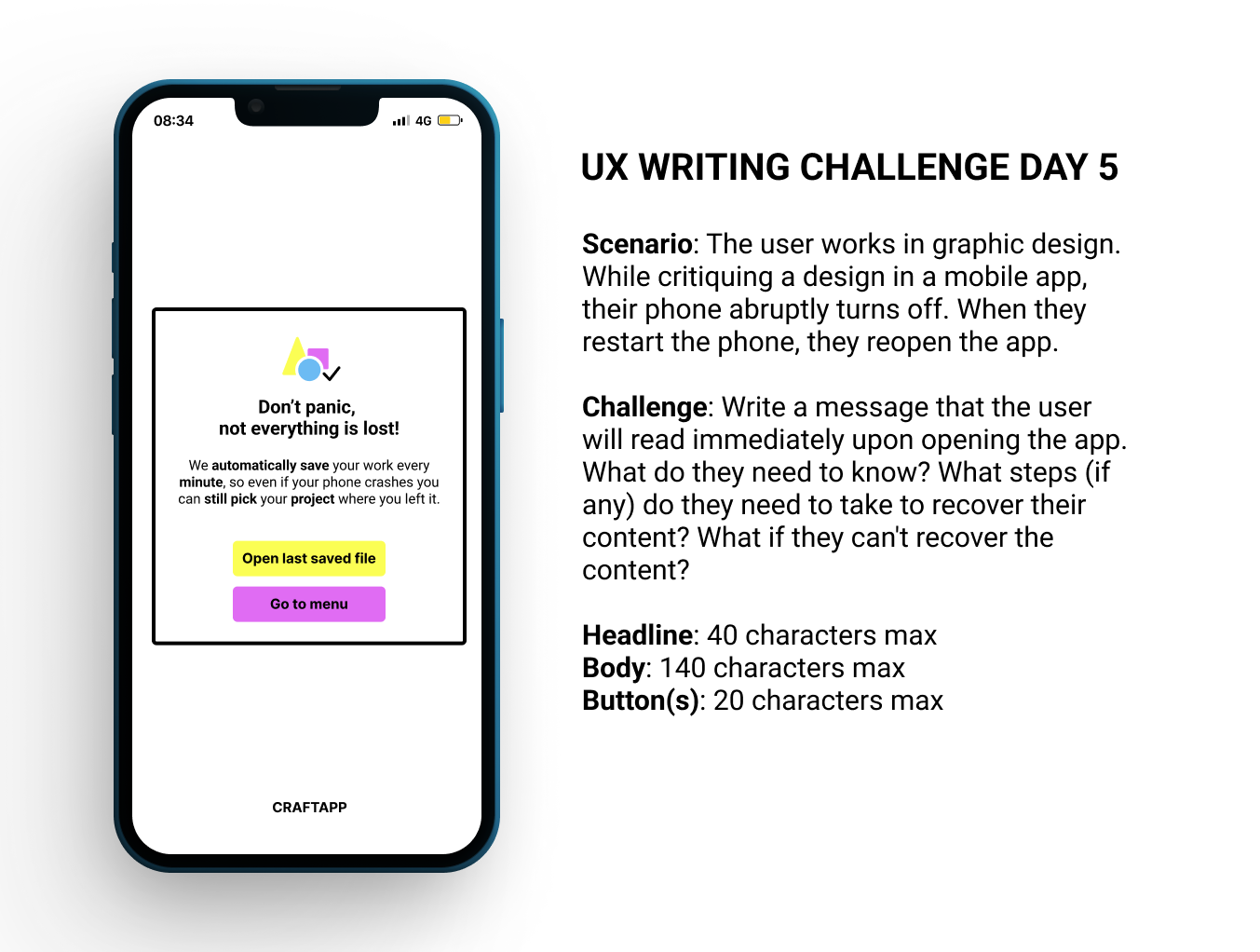
I wrote plenty of message options and finally designed my three favourites. I then tested the three of them with family and friends and designed the one you can see below.
The pain points and worries of the user were crystal clear: he or she would want to know what know what would have happened with all the progress made. That’s why, for this particular case, I didn’t use any tool to empathise with the user.
I wrote plenty of message options and finally designed my three favourites. I then tested the three of them with family and friends and designed the one you can see below.